
Your own markup
Anything you can build in HTML can open over the video without leaving it.
Extend it
Show a custom HTML panel on top of the player — a form, a table, a calculator, or your own component.
What it does
When the interaction you need does not exist as a preset, build it and open it in place.
Anything you can build in HTML can open over the video without leaving it.
Fire the modal at a timecode, from a click, or from a specific answer.
The viewer stays in the video, so the reporting stays in one place.
In practice
The things a standard interaction cannot quite express.
In depth
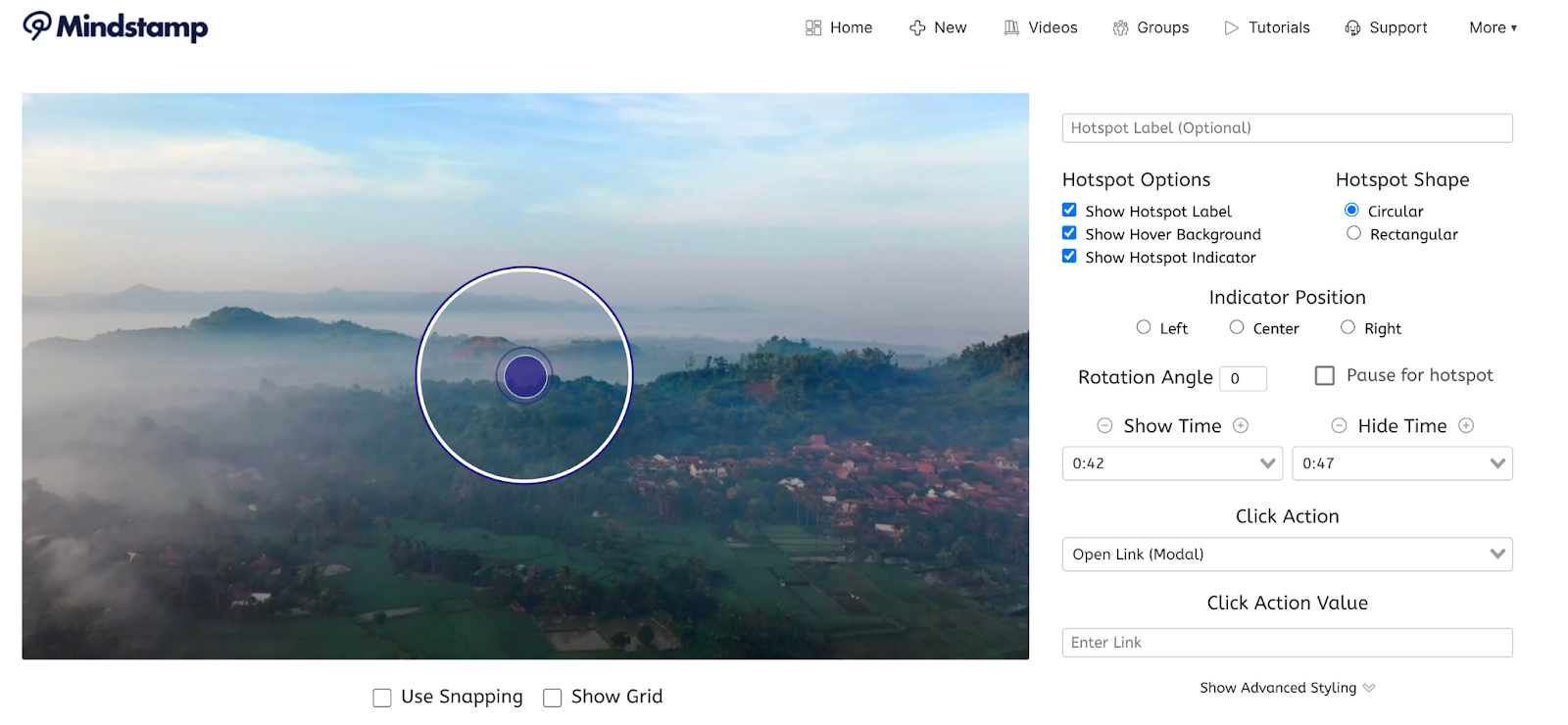
Seamlessly open content from other websites directly within your Mindstamp video experience.
In today’s digital ecosystem, simplicity is everything. The quicker you can bridge the gap between your viewer and the desired endpoint (your website, checkout page, scheduler, etc) the better! By decreasing the amount of steps it takes to drive action (learn more, buy now, etc) you’re also decreasing the likelihood of your customer experiencing fatigue and not performing the action you want them to.
Use Mindstamp's “Open Modal” click action to make your videos a one-stop shop for each and every viewer.
Modal links are links to websites that open within your current video. By clicking on an interaction that opens a modal link, your viewer is able to browse and explore a separate link without ever leaving the core experience. Once they’re done, they can simply hit the “x” in the top right corner of the Modal to return to the autoplayed experience.
Interested in setting an appointment with a potential buyer? Want to set a time for students to meet with you one-on-one? Whatever describes your specific use-case, there are tremendous benefits to allowing your viewing audience (or some of your viewing audience) to book a meeting with you directly in-video.
Set up a button, for instance, that says “Book Now!” and use the “Open Modal” action to pause the core content, pop up your Calendly or HubSpot calendar, allow viewers to book a timeslot, then automatically resume the core content once they exit.
How many times have you heard something like “link to the product in the description of this video!” or “visit our website to buy one for yourself!”? With Mindstamp, we allow you to bring the store to the customer - not make the customer search for the store. At any point in your video, add an interaction (Button, Hotspot, Image, etc) and select the “Open Modal” click action.
As soon as your viewer clicks on the interaction, the video will pause and your store will take the stage. Once they’re done shopping, they can close out of the pop-out experience and resume the original video.
What gets measured
Related
These combine on one timeline — most videos use three or four together.
Embed an external tool — a form, a map, a booking widget, a dashboard — directly into the video experience.
Explore →Control colours, logo, and player styling so the interactive experience looks like your product, not a tool.
Explore →Open a Calendly or HubSpot calendar as an interaction, so the meeting is taken at the moment the buyer decides.
Explore →Ask for contact details before the video starts, at a chosen moment, or on a specific interaction — without sending anyone to a form page.
Explore →Generate a certificate when a viewer completes and passes, so evidence of training exists without anyone producing it.
Explore →Send viewers to any timecode from a button, hotspot, or answer — forward to skip, back to review.
Explore →Questions
Your own HTML, which is why teams use it for calculators, bespoke forms, and embeds that have no preset.
The modal scales with the player, so build the contents mobile-first as you would anywhere else.
Try it on one video
Take the tool that currently lives on another page and bring it into the frame.