
Plays hide intent
Watch time tells you the asset held attention. It does not tell you which viewer wanted pricing.
Interactive video for marketing
Put the form, the question, and the call to action inside the video, so intent is captured at the moment it appears rather than after the player stops.
The attribution gap
Video is measured as reach and paid for as demand generation. The gap between those two shows up three ways.
Watch time tells you the asset held attention. It does not tell you which viewer wanted pricing.
Sending an engaged viewer to a separate page adds a step at the exact point interest is highest.
The video gets credited with a view while the conversion is credited to whatever page came next.
What changes
Three things the video starts doing once the interactions sit on the timeline.
Capture
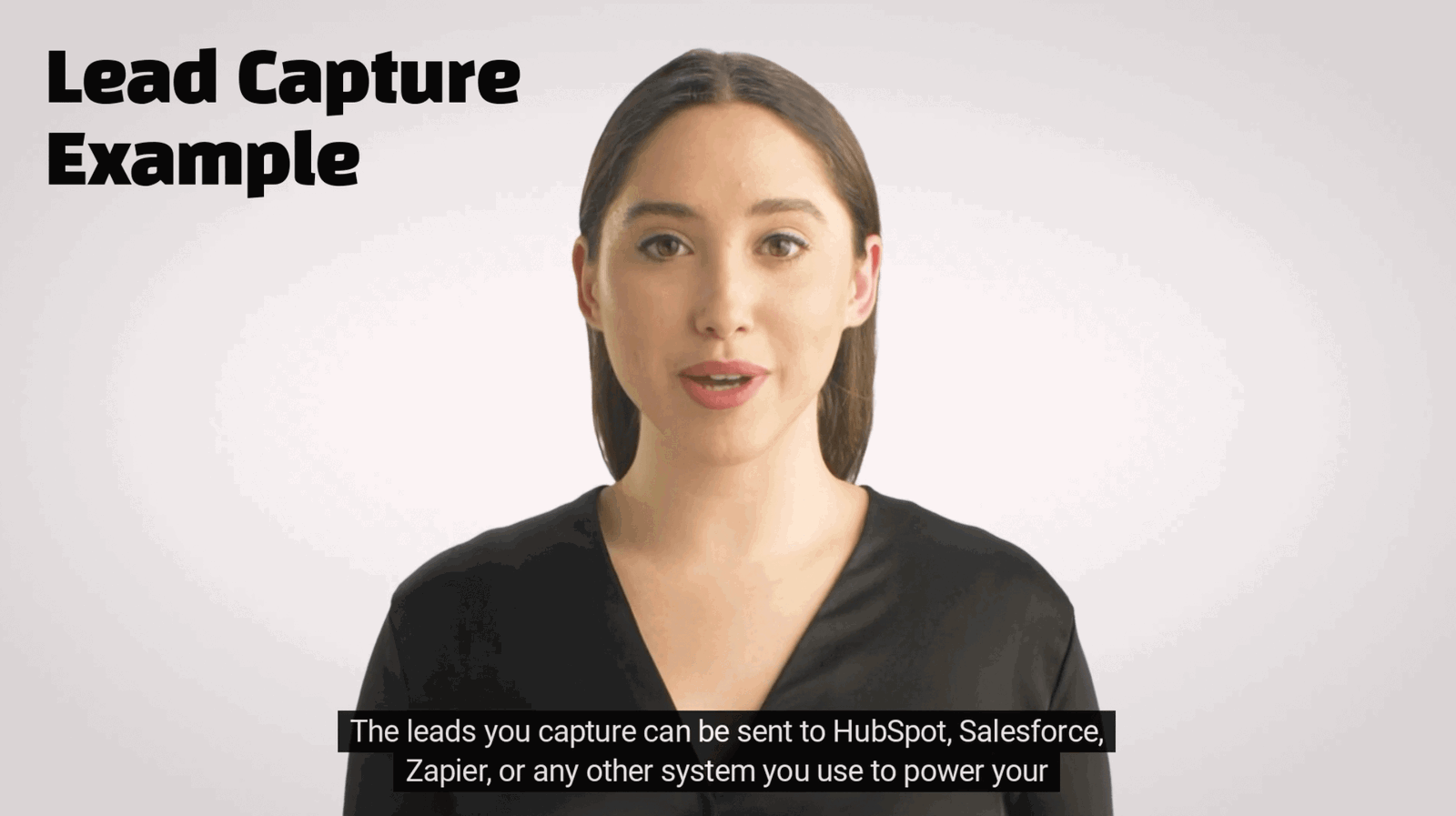
Place the form at the point the viewer has seen enough to want the next thing, without moving them off the player.
Qualification
Ask the two questions your SDR would ask, and attach the answers to the contact record before anyone calls.
Routing
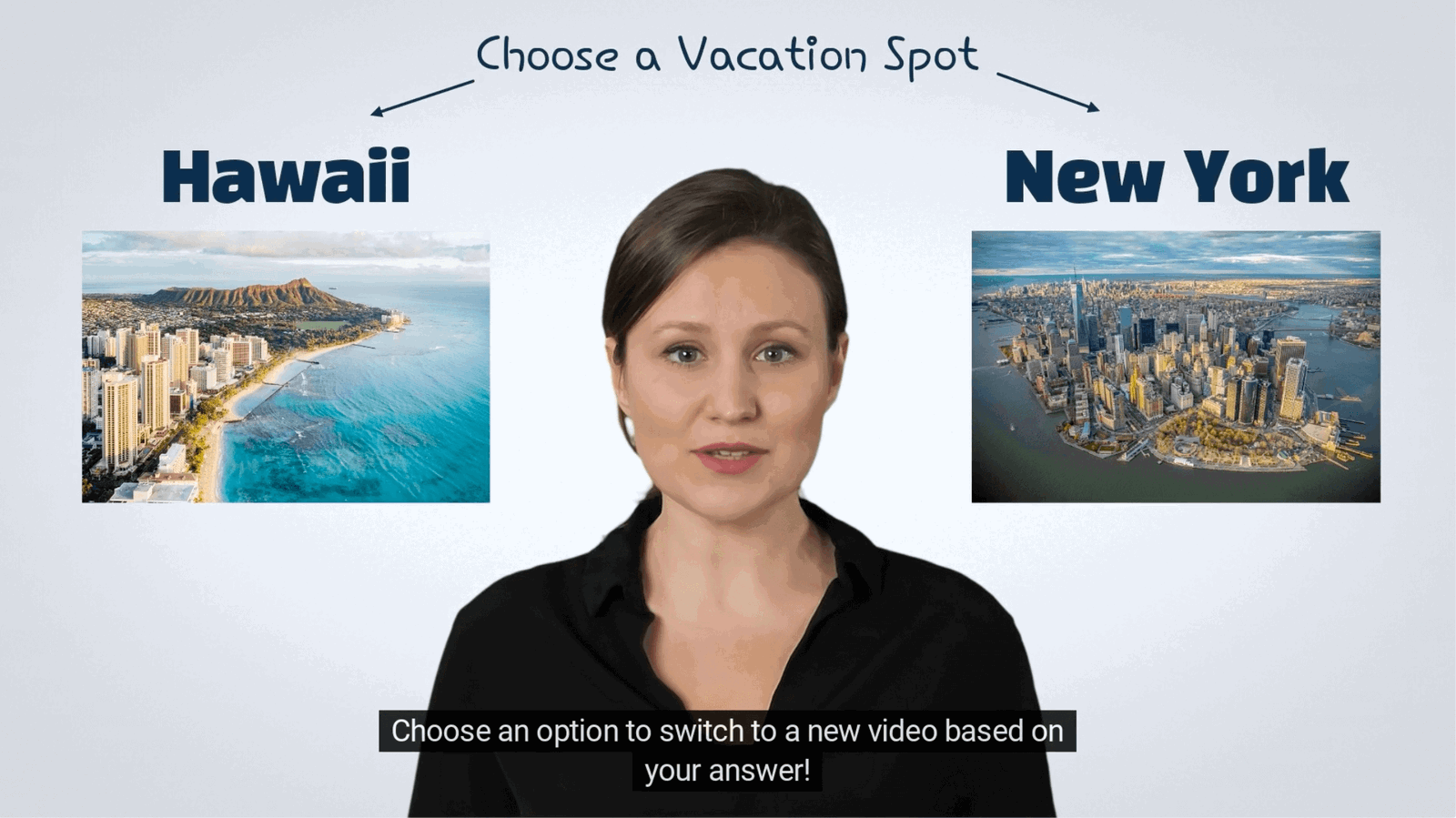
Send each viewer to the path their own answers earned rather than to one shared end card.
What gets measured
Customer example
A skincare brand asks viewers about their skin type inside the video, recommends the matching product from the answers, and links straight to checkout.

Marketing use case directory
Each of these has its own conversion shape, its own measurement, and its own page.
Let prospects pick the features they care about and skip the ones they do not.
Explore →Place forms at peak engagement and sync qualified contacts to your CRM.
Explore →Tag products in the frame and move viewers from the video to the cart.
Explore →Make the hero video ask the qualifying question the form below it was going to.
Explore →Compare CTA wording, placement, and timing against real interaction data.
Explore →Chapter a long recording and use checkpoints to find the leads still inside it.
Explore →Marketing FAQ
The objections that come up in every evaluation, answered plainly.
Yes. Contacts, answers, and interaction events pass to HubSpot, Salesforce, Zapier, or a webhook, so the lead arrives with its context attached.
It can, which is why the gate is placed rather than fixed. Put it after the value is delivered, or ask for the email as an optional interaction instead.
Yes. Interactions are added on top of the existing file, including video already hosted on YouTube, Vimeo, Wistia, or your own player.
Every click, answer, and form submit is reported against the interaction and the timecode it sat on, so you compare placements rather than guessing.
No. The same interactions run on webinars, ads, landing page video, customer stories, and launch content.
Start with one asset
Take the video already running and see how many of its viewers will identify themselves.