
Attention drifts with nothing to do
A student watching alone has no reason to stop and think until the assessment arrives days later.
Interactive video for education
Put questions, drawing prompts, and review paths inside the lesson, then see participation and assessment results for every student.
The participation gap
Asynchronous video carries most of the course now, and it is the part of the course with the least evidence attached.
A student watching alone has no reason to stop and think until the assessment arrives days later.
Assigned video comes back as a completion tick, so nobody knows which concept to reteach.
Grades reveal the confusion once the unit is finished and the chance to intervene has gone.
What changes
Three things a recorded lesson does once the interactions sit on the timeline.
Recall
Ask the student to retrieve the idea at the point it is taught, which is where the retrieval actually helps.

Pacing
Send a student who missed the idea back to the explanation, and a student who has it straight to the next one.
Visibility
Read the class as individuals before the lesson meets them, rather than as an average afterwards.
What gets measured
Example lesson
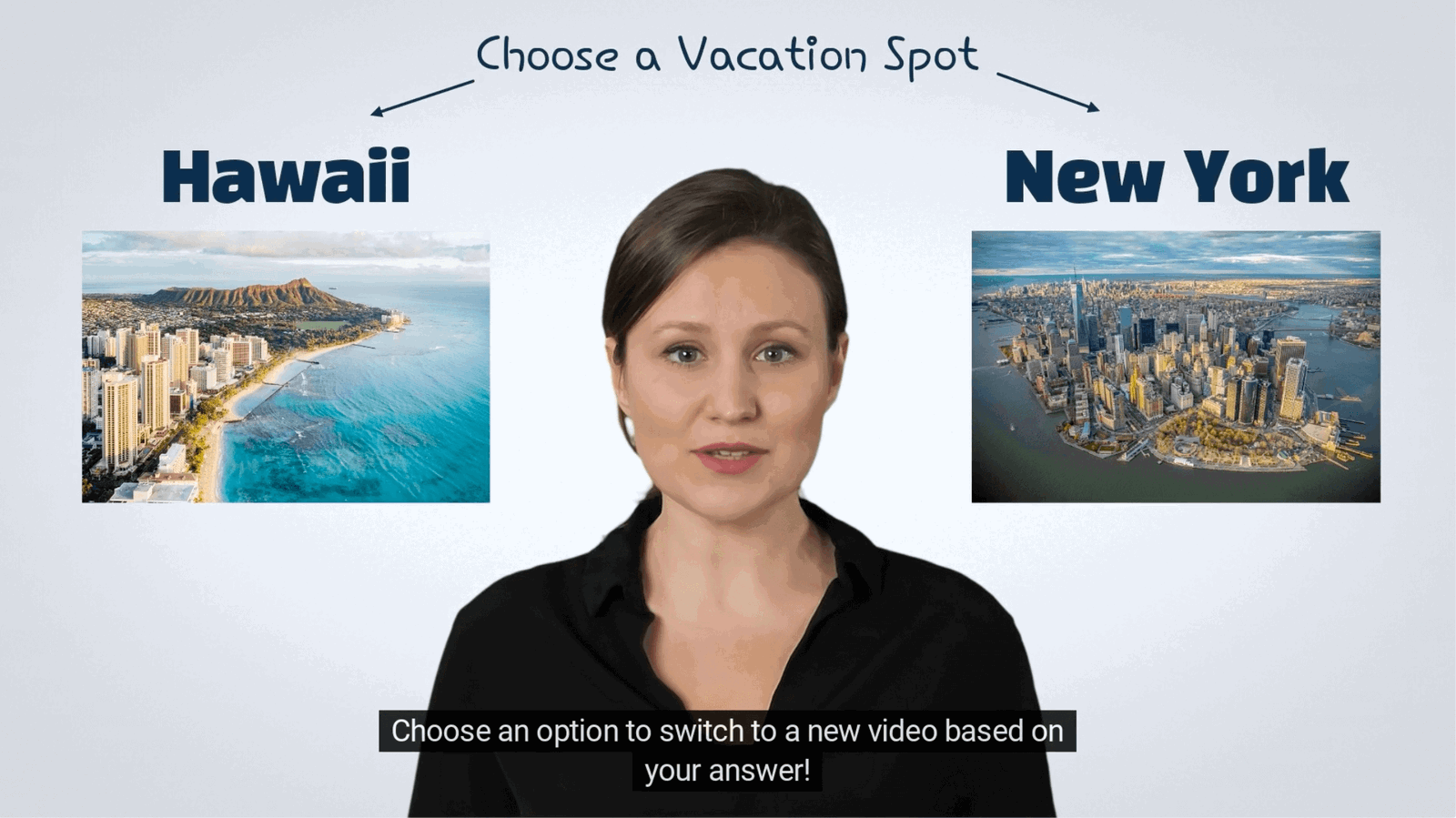
The question is set at the timecode the idea is introduced, the answer is scored immediately, and a wrong answer routes the student back to the explanation.
Education use case directory
Each of these has its own teaching moment, its own evidence, and its own page.
Validate that assigned video was watched and understood before the session starts.
Explore →Keep younger students active with choices, prompts, and visual responses.
Explore →Make large asynchronous lectures measurable and sync results to the LMS.
Explore →Ask students to listen, repeat, and record their own voice in the lesson.
Explore →Have students circle anatomy, annotate art, and mark diagrams in the frame.
Explore →Run the graded check inside the lesson and pass scores to the gradebook.
Explore →Education FAQ
The objections that come up in every evaluation, answered plainly.
Yes. Completion and scores pass to Canvas, Moodle, Blackboard, and other systems over SCORM and xAPI, so the gradebook stays the source of record.
No. Students open a link or an embed. You can still identify the response if the course requires it.
Yes. Interactions are layered on the existing recording, including video hosted on YouTube, Vimeo, or your institution’s own player.
Responses stay in your account, are exportable, and are only collected where you place an interaction that asks for them.
Captions, keyboard operation, and screen reader labels are supported on the player and on every interaction placed on it.
Start with one lesson
Pick the lecture students ask about most and see what the answers tell you before the next session.